
This guide provides a simple and straightforward process for adding a new contact to your customer list within the CRM system. By following these steps, you will be able to manage your customer database more efficiently, facilitating follow-up and communication. In addition, it optimizes the organization of information, thus improving customer service and marketing strategies.
1. Click on "CRM-Contacts List"

2. Click on ¨add contact¨.
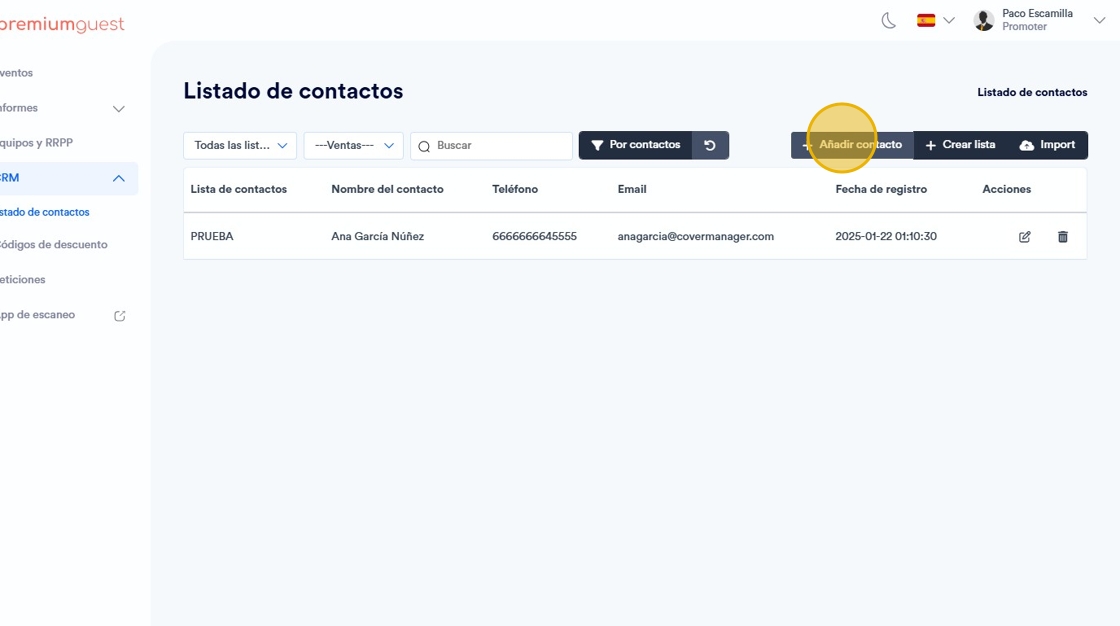
3. Select the list where you want to add it.

4. Add customer data.

5. Click on “Save”.
