This guide is essential to facilitate the process of adding new advocates to your team on the Premium Guest platform. It provides clear and straightforward instructions on how to add a new user, ensuring that you can integrate promoters efficiently and smoothly. By following these steps, you can maximize the effectiveness of your promotion team and optimize the management of your events.
1. Click “Teams and PR”.
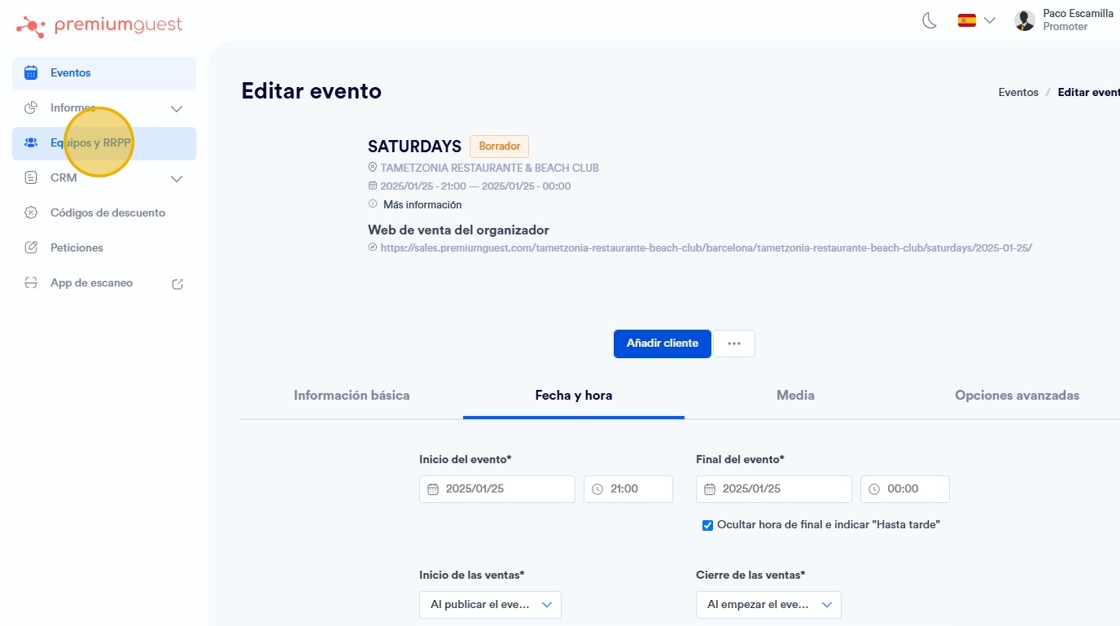
2. Once inside, go to the “add user/RRPP¨ section.

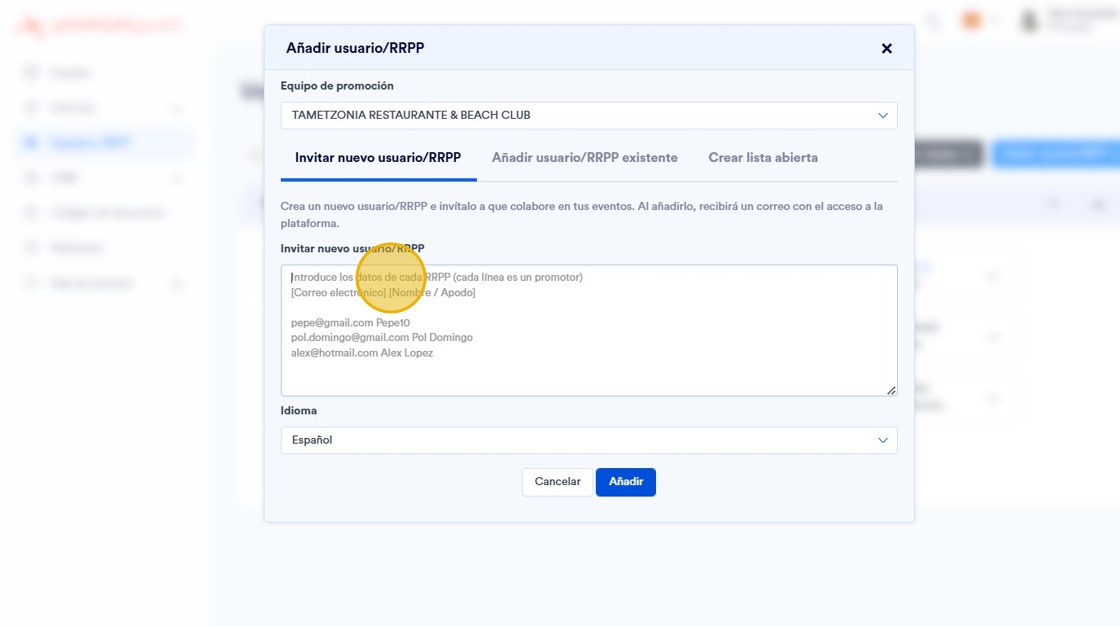
3. Add the data:
- Email: Email of the person/promoter.
- Promotion team: Select the group of promoters you want to join. If you only have one active business within the platform, you will only have one option available.
- Nickname: Name of the person/promoter.
- Promotional code: You can add the name without spaces or the beginning of the email.
- Language: Choose the preferred language of the person/promoter (Spanish or English).