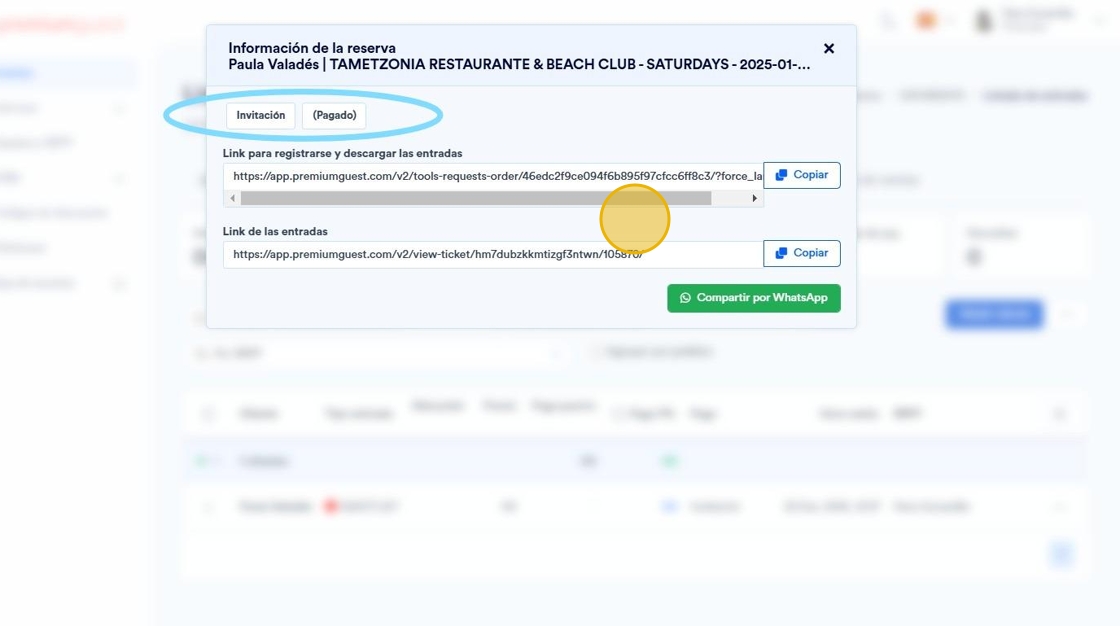
This guide is essential for those who want to efficiently manage their events by facilitating the addition of guests. It provides clear instructions on how to add a guest and send free invitations, which streamlines planning and communication. With this resource, you can ensure your events are a success by keeping all guests informed and organized.
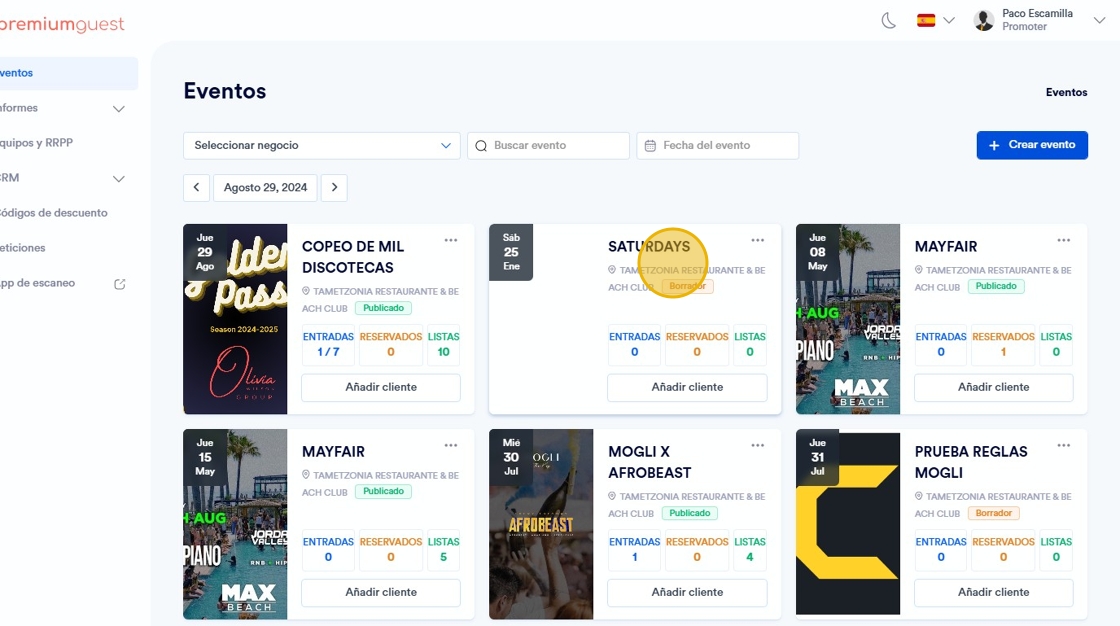
1. Select the specific event where you want to add customer.
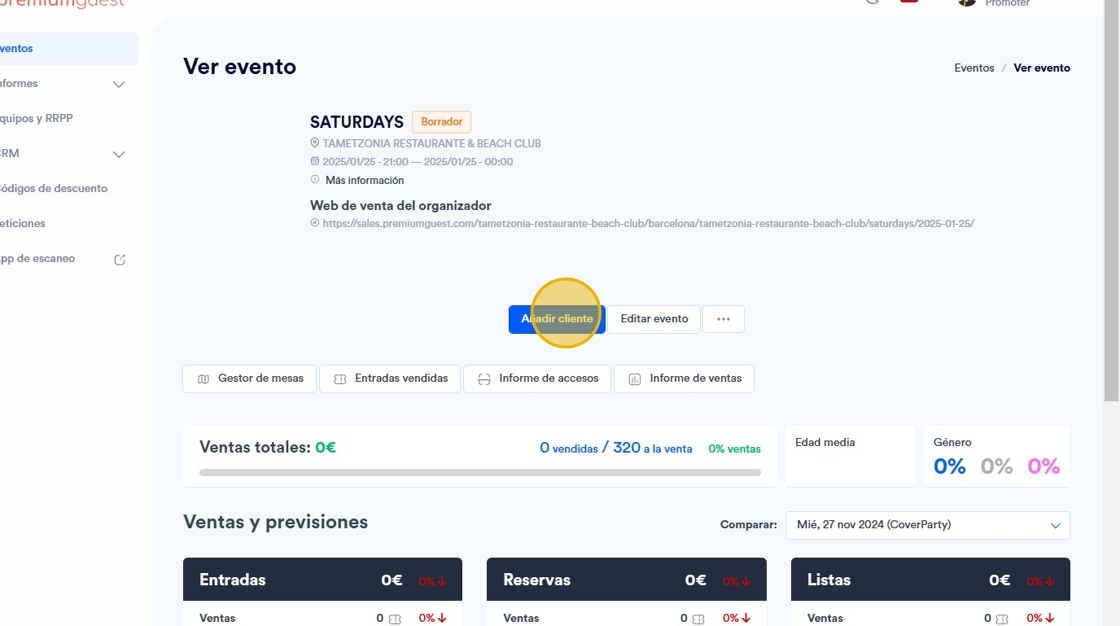
2. Haga click en "Add customer".
3. Select the type of ticket you consider.
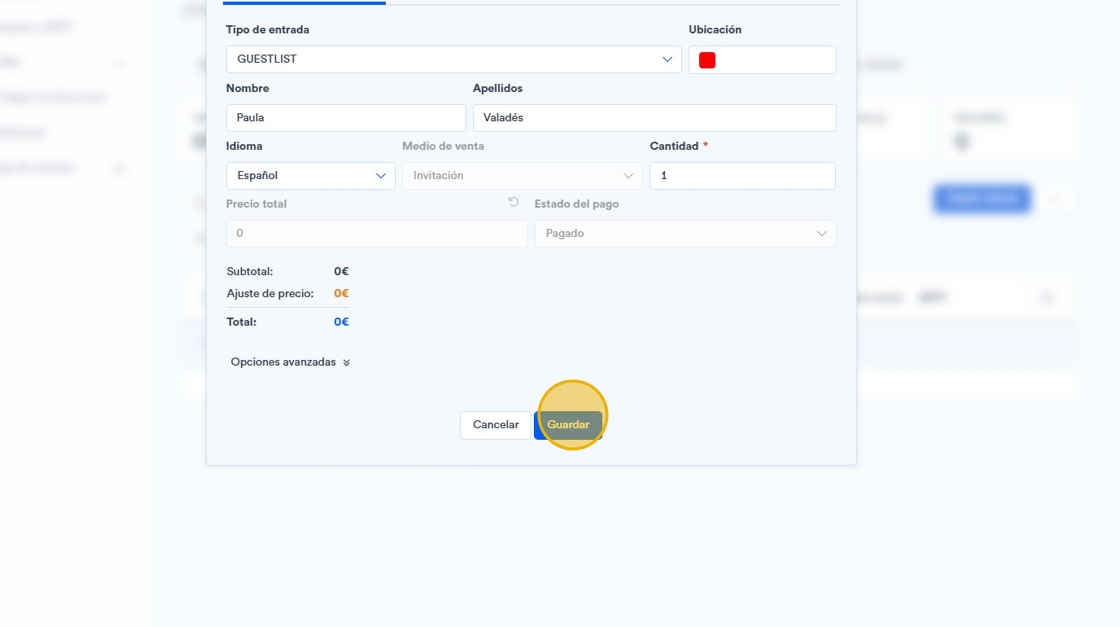
To send these tickets, which will be invitations at 0€ cost, in the “Add customer” section you must select these tickets, add the customer's data (name, surname and email).
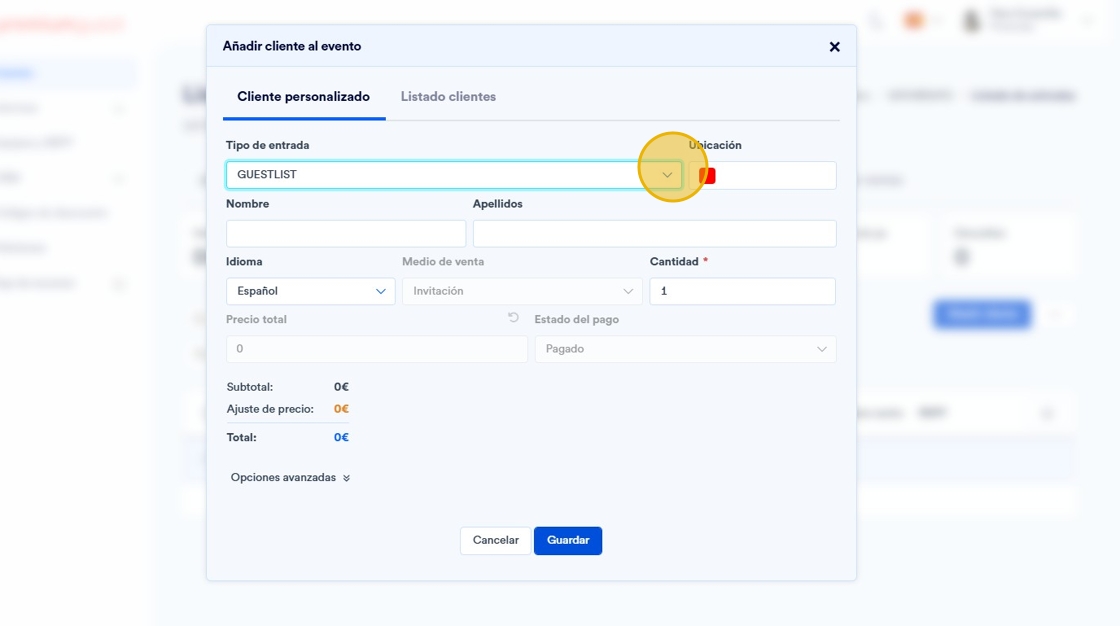
4. Add the contact data and click on save.
5. A link will be generated to share it.