
This guide provides a simple process for adding ticket sales to events using the PremiumGuest platform. It outlines the essential steps, including ticket pricing, purchase limits and sales deadlines, that can improve event management and potentially increase attendance. By following this guide, users can optimize their ticketing strategy effectively.
1. Click "Events"

2. Select the event where you want to add box office tickets.

3. Click "Add ticket"

4. Select the option "Pay at the door” .

5. Set the price you consider.

6. Also select the number limit per purchase.

7. You can select the start and end of sales.

8. Even if you choose ¨custom¨ you can set the start or end time of the sales.

9. Configure the management cats..
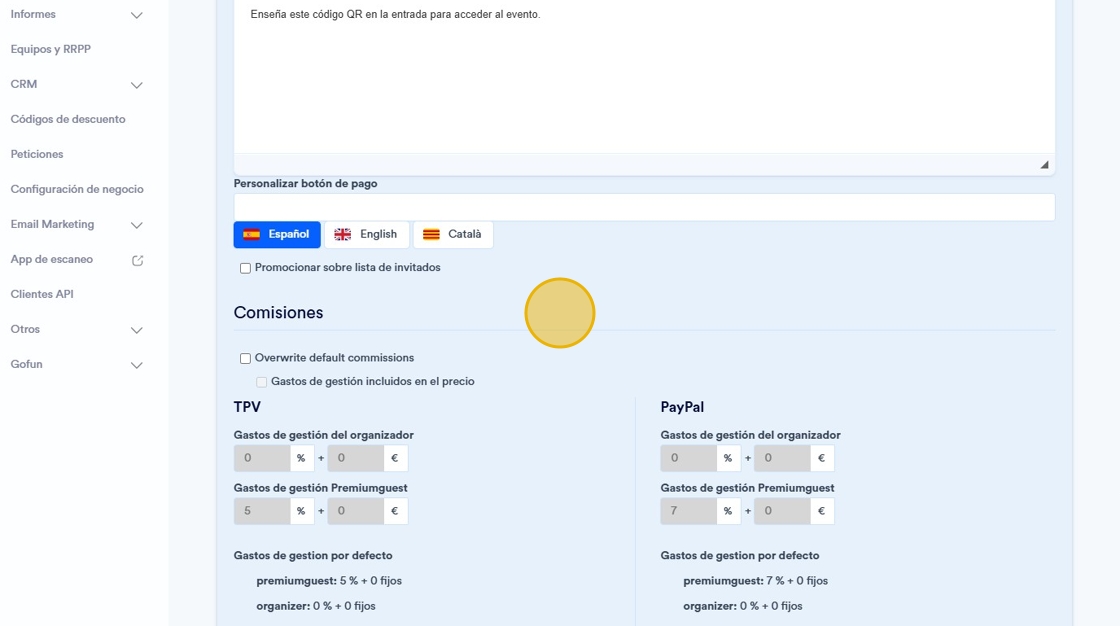
10. Click "Save".
