This guide provides a step-by-step process for accessing and managing event attendance reports, making it an essential resource for event organizers. It explains not only how to view attendance data, but also how to email and export reports in various formats. In addition, it offers options to automate report delivery, streamlining event management tasks.
1. Click "Events"

2. Click on the event you wish to consult the attendance.

3. Click on “Access Report”.

4. Select the start/end time and the promotion team.
Here you can see the revenue.

5. Here you can see the evolution of the event attendance.

6. Here you can see the PR assistance.

Tip: To send the report by email:
7. Click “Send report”.

8. Enter the email and select the language.
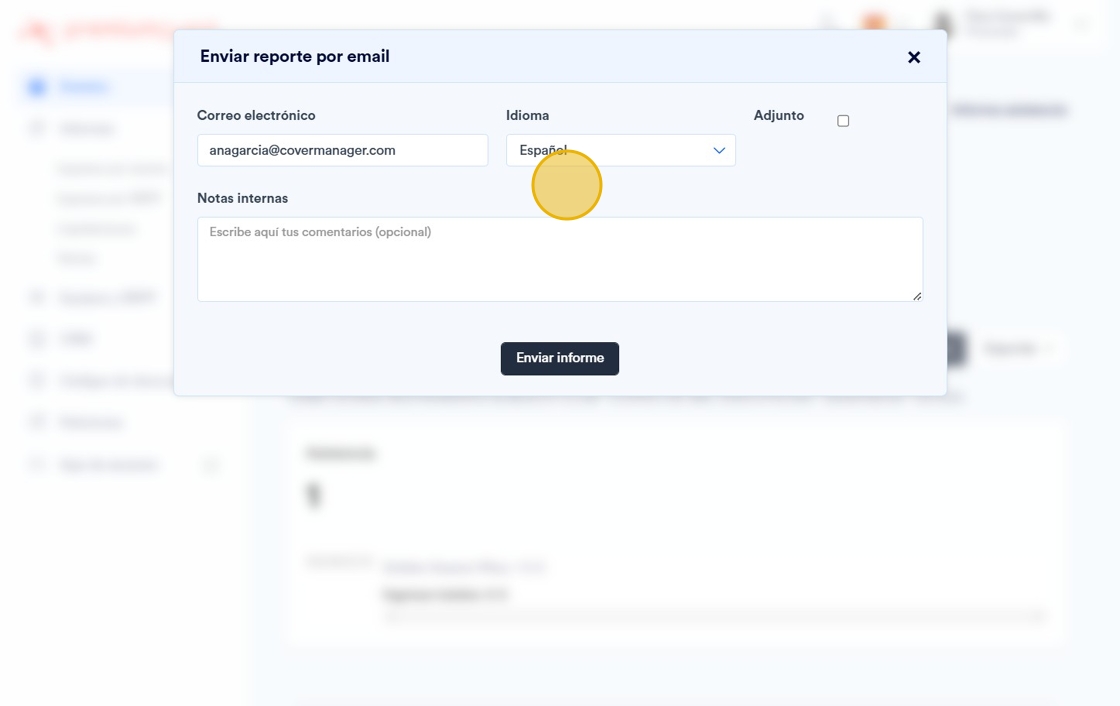
9. Click “Send report”.

Tip: To export the attendance report:
10. Click “Export”. You can export it in PDF and XLS.

Tip: To schedule the automatic sending of this report:
11. Click “Edit event”.

12. Click “Date and time”.

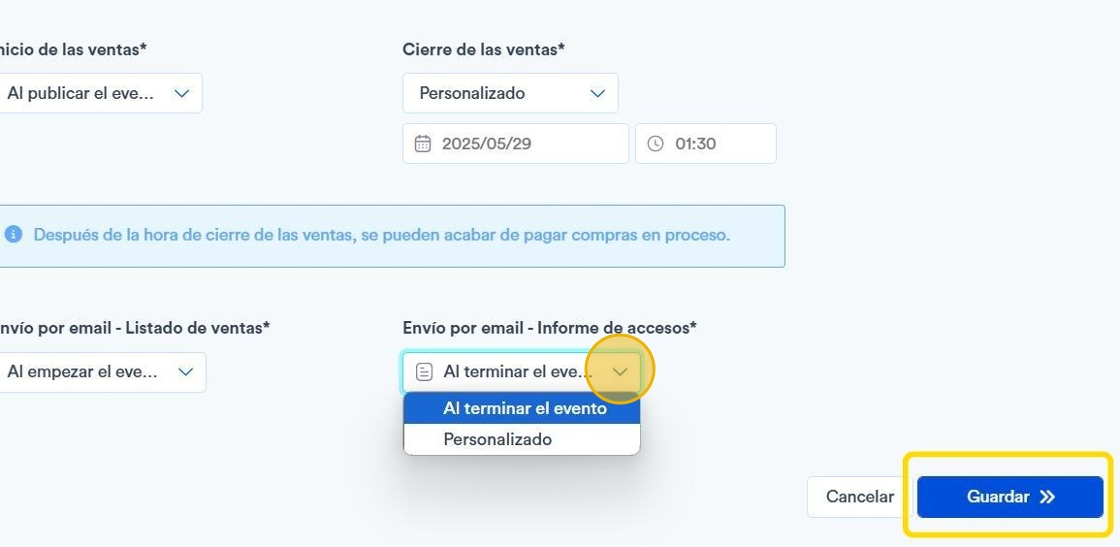
13. You can choose to send at end of event or customize** the shipment.
After that, click on “Save”.