
This guide provides a simple method for managing table and seating reservations at an event, ensuring efficient organization and customer service. It describes the steps for selecting an event, editing table availability and assigning specific seats to customers, including emailing tickets. By following these instructions, event organizers can streamline the booking process and improve the overall attendee experience.
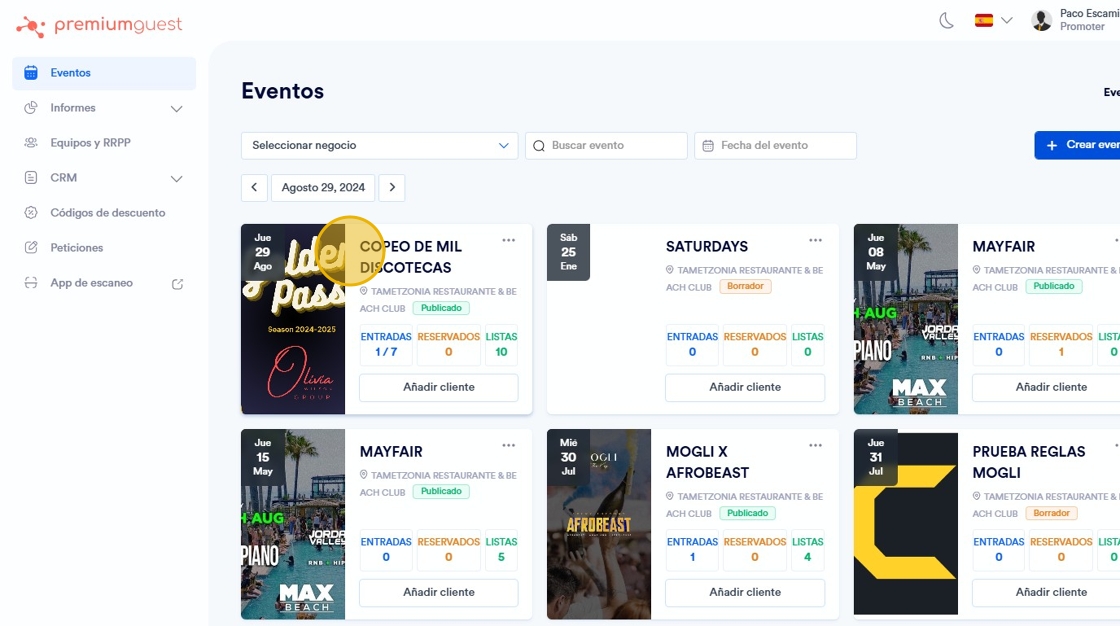
1. Select the event you want to change, you will be able to edit the availability of the map, blocking or reserving tables and seats.
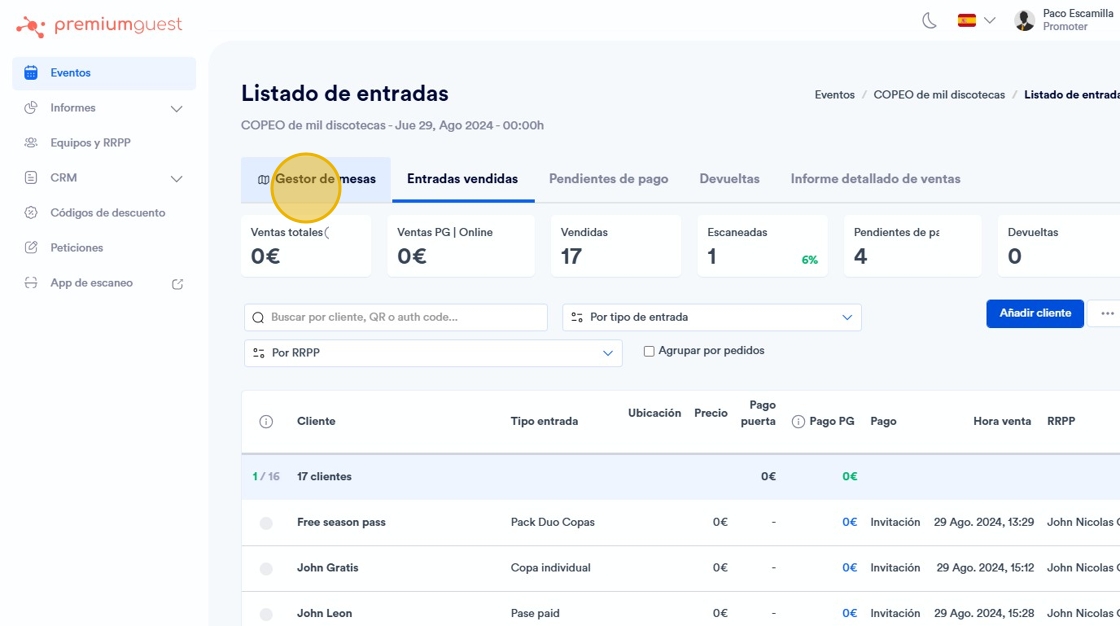
2. Click on the table manager screen section.
3. Click “Edit availability”.

4.

5. Click on a free table** to reserve it for a specific client.

6. Click on the customer of your choice.

7. In this tab you will be able to add the buyer, and assign the seat or table you want, and send the ticket via email, adding it in “Advanced Options”, as well as select the PR who has managed the sale.

8. To change the availability of the tables, click on “Edit availability”.

9. In the top part of the screen that appears, you see the availability. In this case, it is ¨on sale¨.

10. This is how it will look if the table is not for sale.

11. Click on ¨Apply changes¨ to save the preferences.
