This guide is essential to streamline the process of sending event reports, allowing users to schedule mailings in an efficient and customized manner. By following these steps, users can choose specific recipients and report formats, ensuring that relevant information reaches the right people at the right time. In addition, the option to duplicate facilitates the management of multiple reports, saving time and effort.
1. Click "Events".
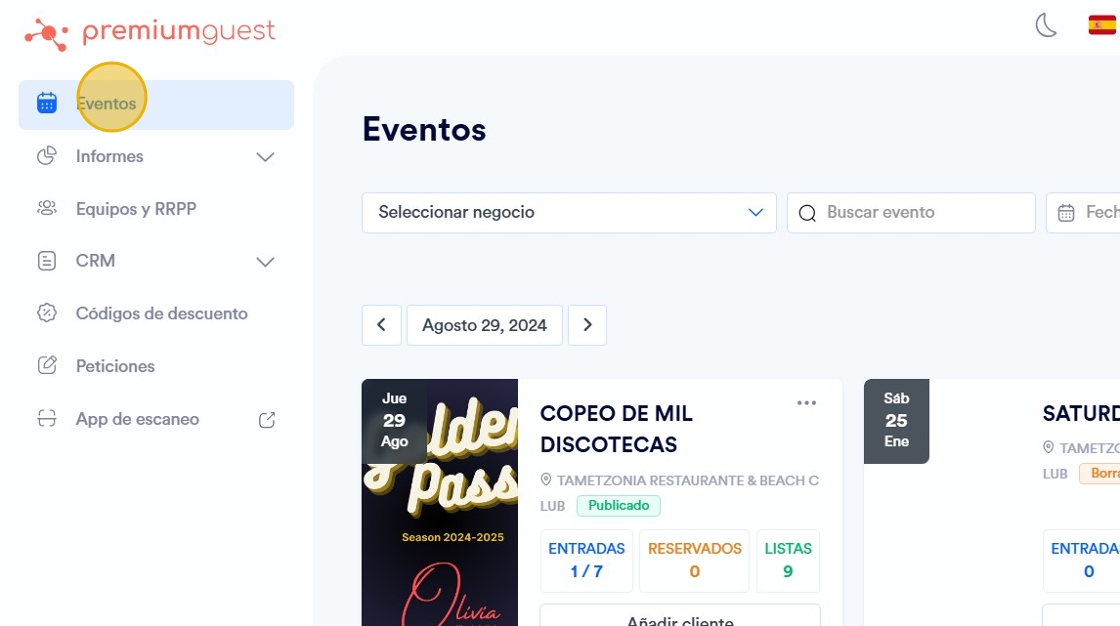
2. Click on the event.

3. Click en el icono de los 3 puntos.

4. Click “Schedule report sending”.

5. From the drop-down menu, select the user.

6. Select the report you want to program.

7. Select the format of the report (PDF or XLS).

8. Click on “ADD”.

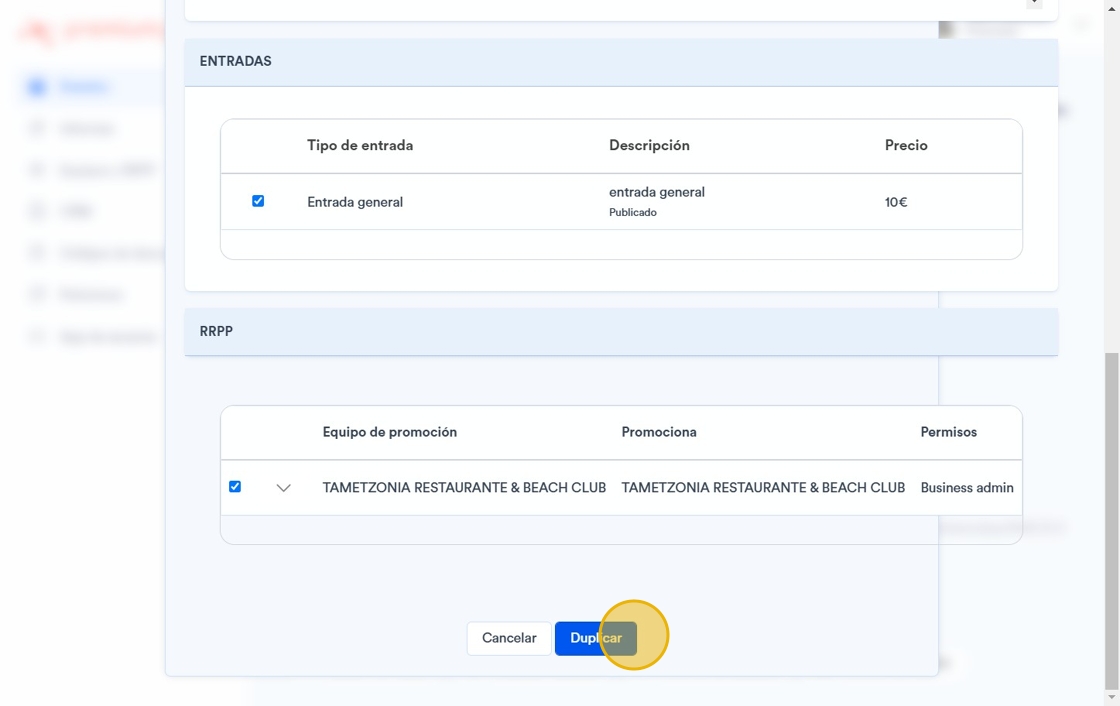
9. Click “Duplicate”.