This guide is essential for those looking to optimize their chargeback management by implementing an effective cancellation policy. It provides step-by-step instructions on how to customize collections, adjust amounts and make refunds, facilitating transparent and efficient handling of bookings. By following this process, users can minimize losses and improve customer satisfaction with a clear and functional system.
Alert: The cancellation policy can only be applied manually from the CoverManager management panel, and must be applied by a user with appropriate permissions. It is never applied automatically if the client does not comply with the policy.
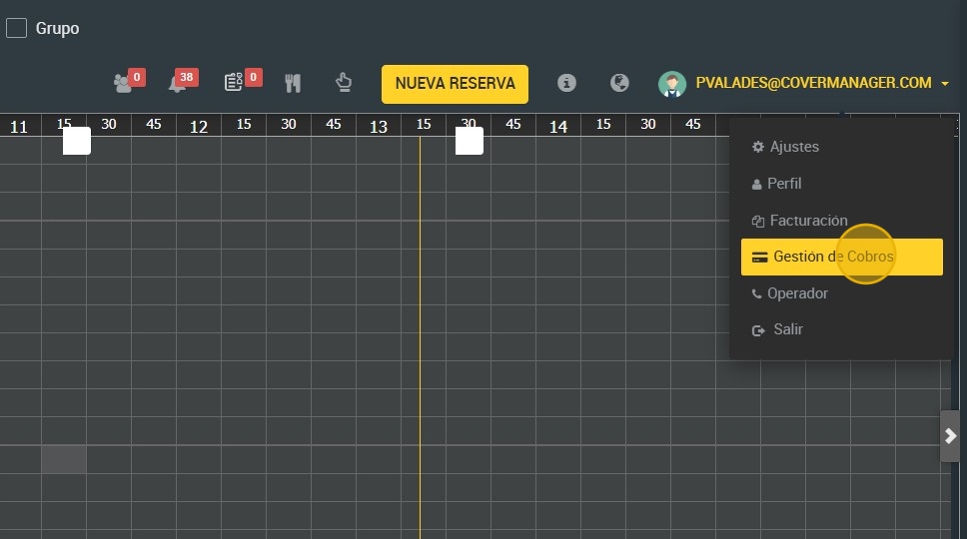
1. To activate and customize the cancellation policy charges click on your profile dropdown.

2. Click “Payment Management”.
3. Select the reservation you want to manage.

4. This is the screen where you can modify the charge to be made for the cancellation policy.

5. Here you will see the total amount to be charged based on the number of guests.

6. By clicking on the “collect” button, you will be able to charge the penalty to your credit card.

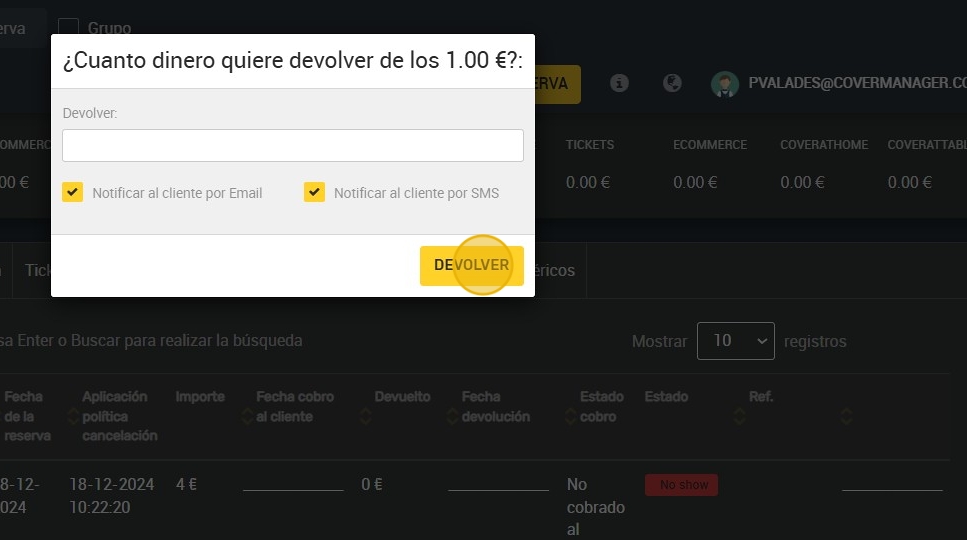
7. You can even refund the amount if there are any faults.

8. Here you enter the amount to be returned.

9. Click “Return” to finish the process.