This guide provides a simple process for accessing and downloading essential financial reports related to transfers and payments. By offering three different report formats - summary, detailed and generic - it allows users to obtain information on their financial transactions over a selected period.
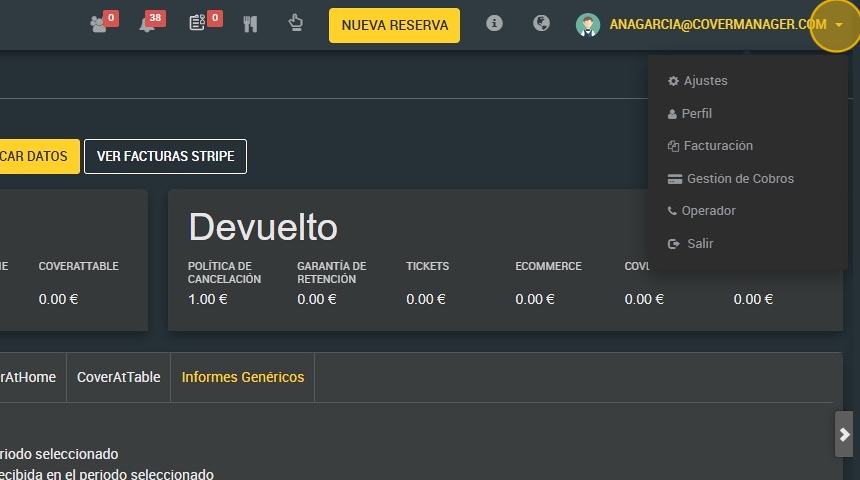
1. Click on the drop-down menu of your user and go to the section of ¨Payment Management¨.
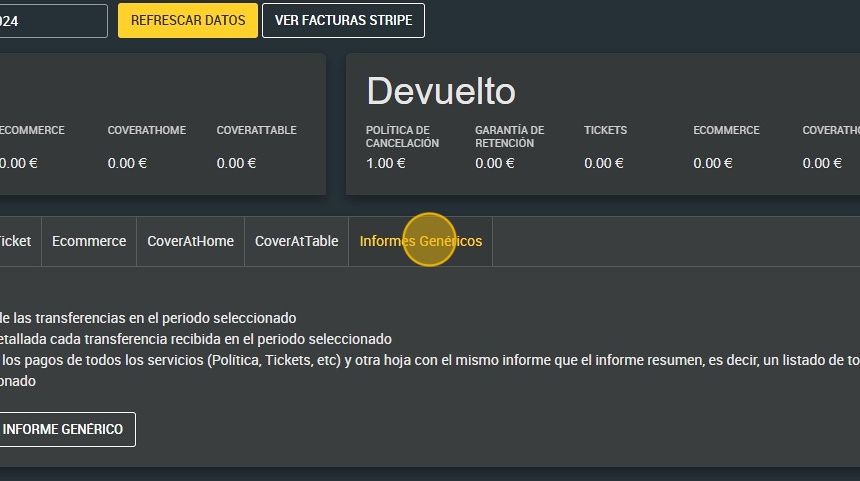
2. Click "Generic reports".
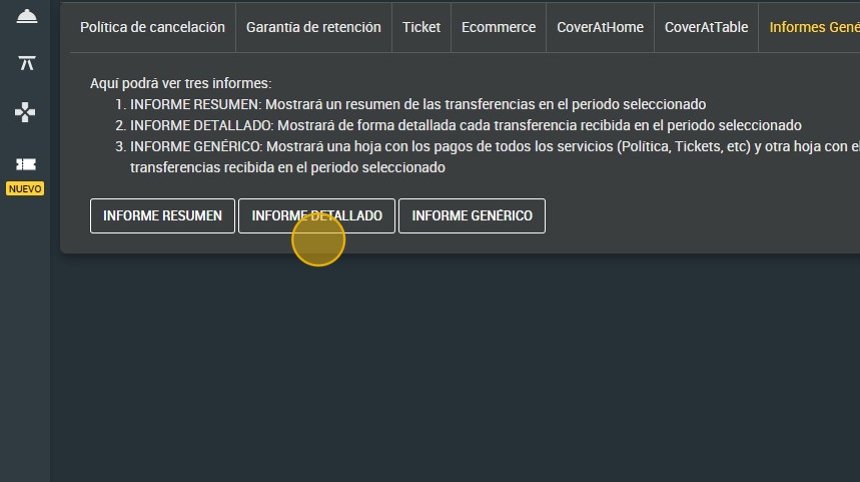
3. Here you will see three reports:
- SUMMARY REPORT: It will display a summary of the transfers in the selected period
- DETAILED REPORT: It will display in detail each transfer received in the selected period
- GENERIC REPORT: It will display a sheet with the payments of all the services (Policy, Tickets, etc) and another sheet with the same report as the summary report, that is, a list of all the transfers received in the selected period
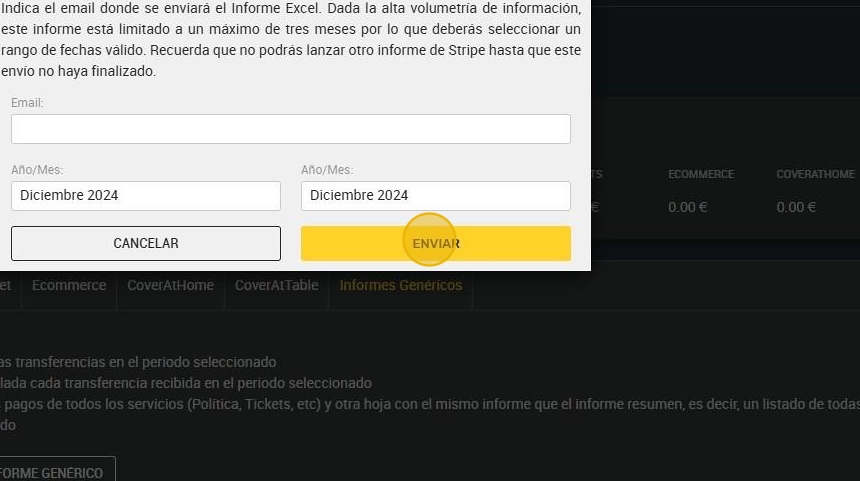
4. If you select to download any of the three, you must indicate the email where the Excel report will be sent.
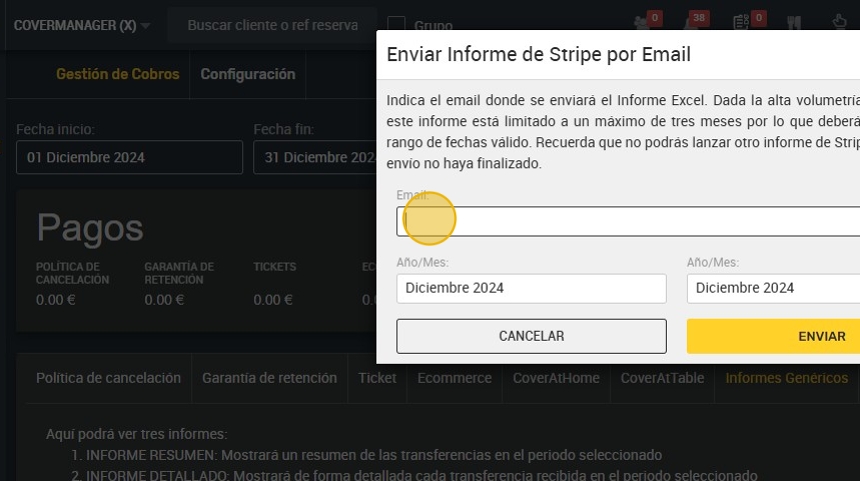
5. Select the dates. Due to the high volume of information, reports are limited to a maximum of three months so you must select a valid date range. Remember that you will not be able to launch another Stripe report until this shipment has been completed.
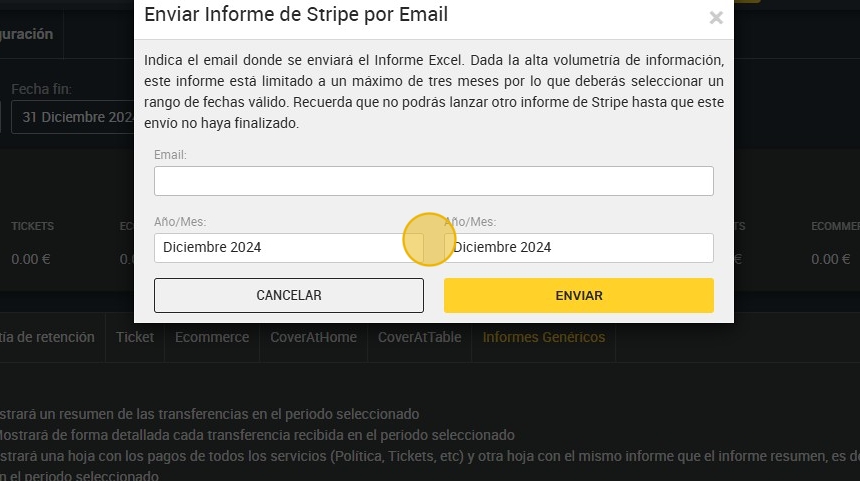
6. Click “SEND”.