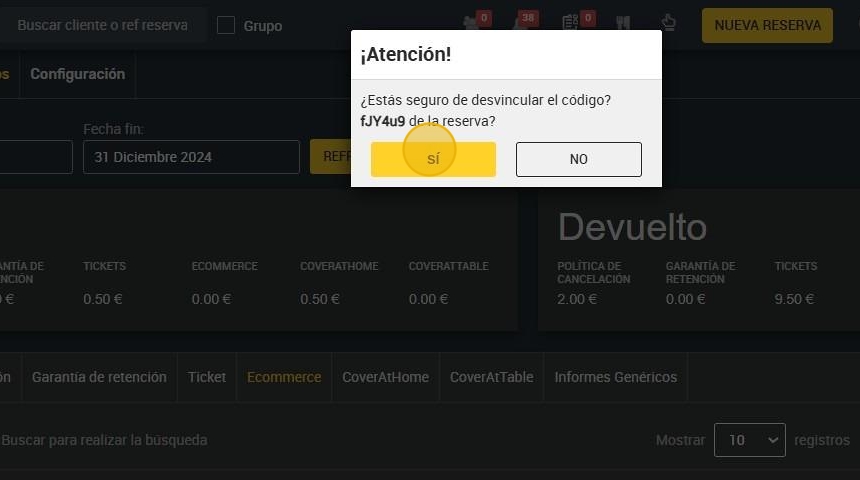
This guide is essential for anyone wishing to reactivate a gift voucher after a booking has been cancelled. It provides a simple process to effectively manage and restore the voucher, ensuring that you can redeem it again without hassle. Following these clear steps will save time and frustration, allowing you to get the most out of your gift voucher.
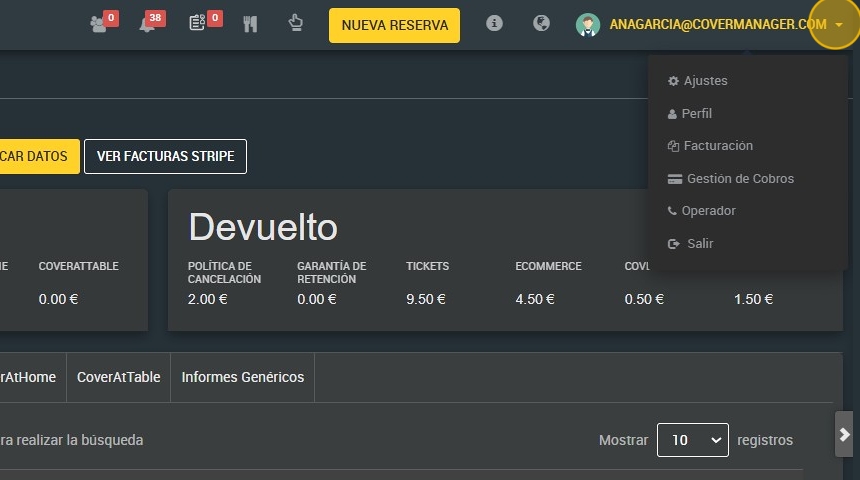
1. Click on the drop-down menu of your user and go to the section of ¨Payment Management¨.
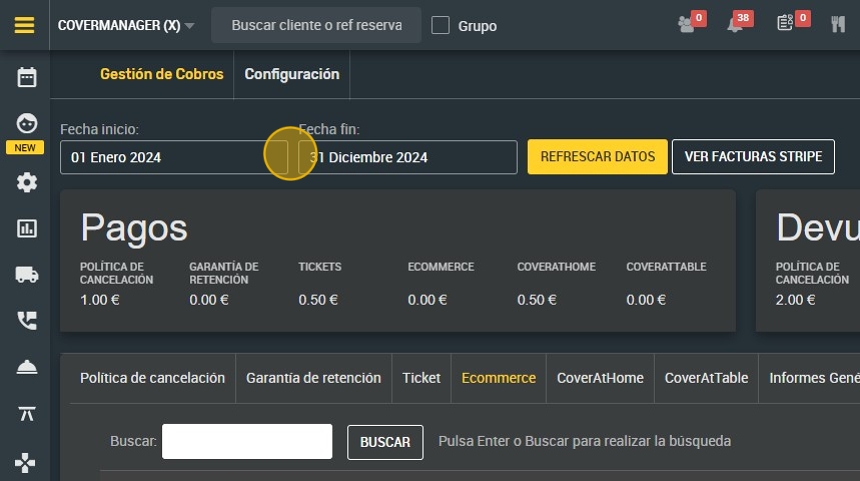
2. Filter data by date of purchase.
3. Click on “REFRESH DATA”.
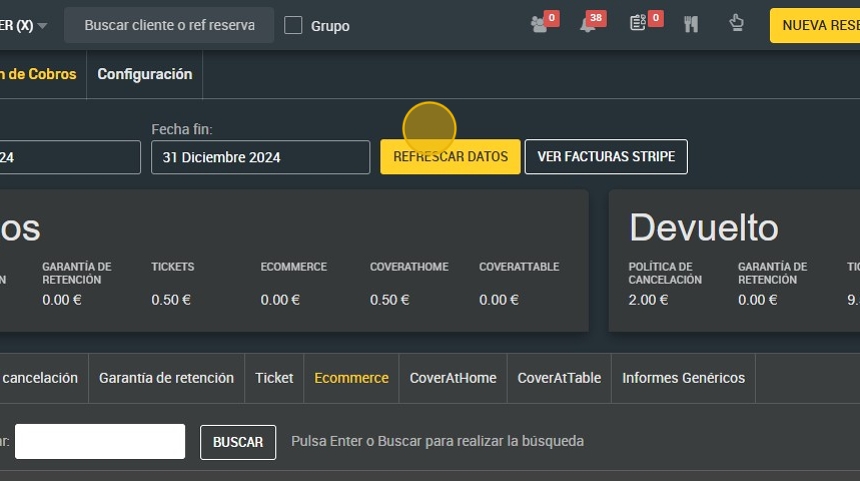
4. Click "Ecommerce".

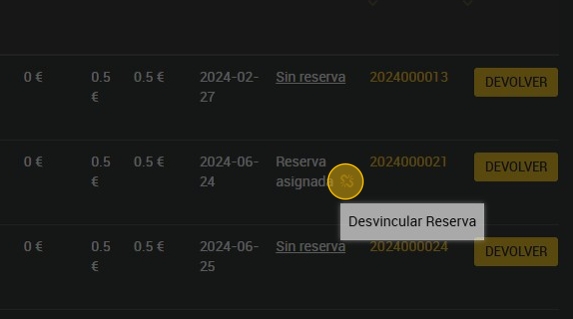
5. Find the voucher you wish to reactivate and click on the icon next to the assigned booking to unlink the booking.
6. Click “Yes” and the voucher will be available for redemption.