This guide provides step-by-step instructions for customizing the online store settings, in particular for managing voucher redemption options. It allows users to set specific expiration dates for vouchers, control the use of promotional codes and limit daily redemptions based on their preferences. By following this guide, users can improve their customer experience and effectively streamline their e-commerce operations.
1. Click on the “user” icon in the top right corner and click on “Settings”.

2. Click “Online Store”.

3. Click “Customization”.

4. Click “yes” to activate the bonus redemption deadline.

5. Select the redemption deadline from the day of purchase (from 15 days to 2 years).

6. You can choose whether to show the redemption deadline on the voucher or not.

7. Click “Yes” so that, at the end of the purchase in the ecommerce, the option to redeem the code later appears, redirecting to the URL of your choice.

8. Enter the URL you want to be redirected to.

9. Click “Yes” to ask for gift voucher dedication (maximum 50 characters).
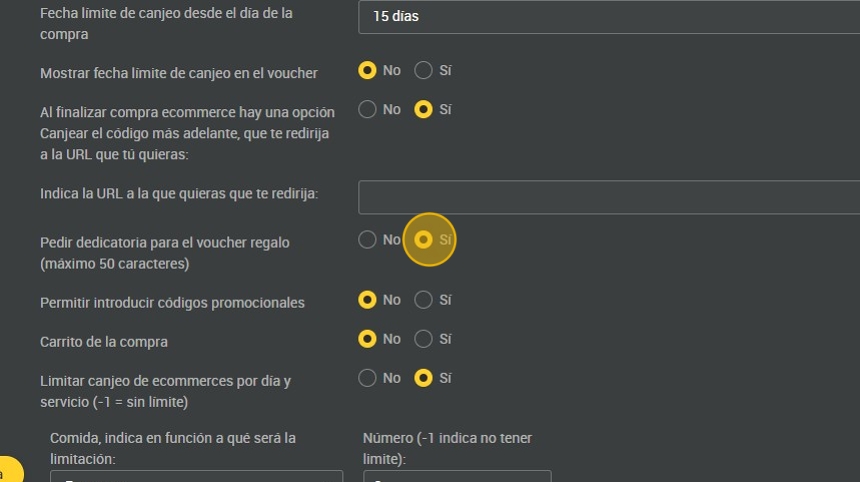
10. You can choose allow to enter promotional codes or not.

11. Select “no” in the shopping cart.

12. Click “yes” to limit ecommerce redemption per day and service.
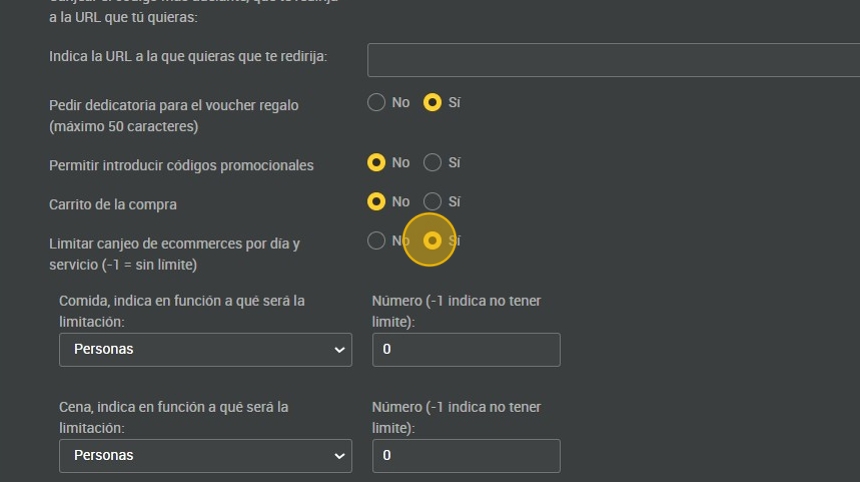
13. In meal, indicate according to what the limitation will be (persons or reservations).

14. Indicate the number (-1 indicates no limit).

15. In dinner, please indicate according to what the limitation will be (persons or reservations).

16. Indicate the number (-1 indicates no limit).

17. Type the message that appears to the customer when unable to redeem.

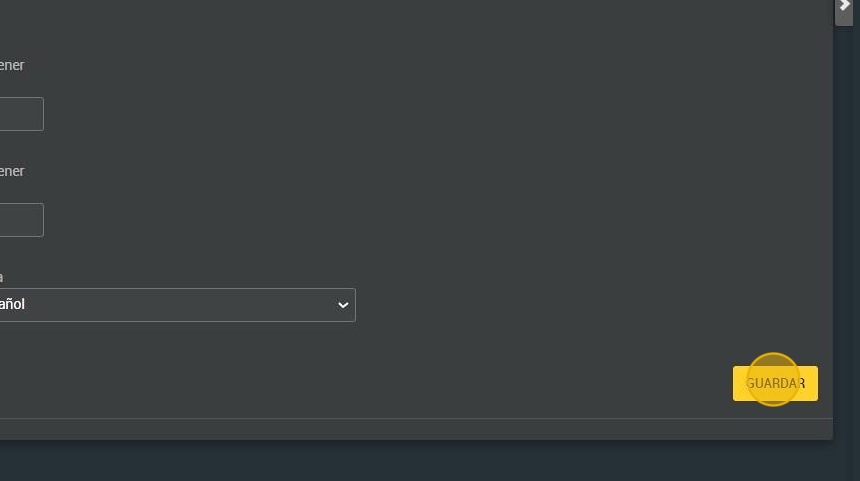
18. Click “SAVE”.