
⚠️IMPORTANT, to delete users in a restaurant license, you must have Administrator or SuperAdmin role in that restaurant.
In this article we will discuss how to remove a user from a license in CoverManager.
1. While logged into CoverManager, go to “Profile” at the top right of the interface.
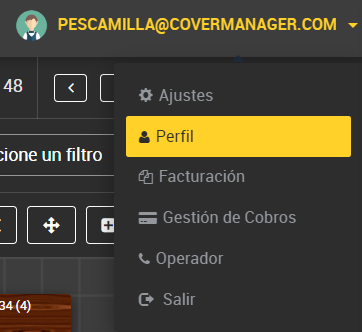
2. Once you are in the “Profile” screen, you can delete a user from the “Users of this restaurant” section by clicking on “Delete user of this restaurant”.

3. Confirm deletion.
