This guide is essential for restaurants facing speed issues when using CoverManager, as it provides simple steps to disable features that may be slowing down the system. By following these settings, users can improve the overall performance of the application, optimizing their experience and efficiency. In addition, it offers customizable options that allow restaurants to hide non-relevant information, which can help focus on the most important reservations.
Tip: Some restaurants, either because of internet connection problems or because of the performance of the devices using CoverManager, experience slower speed. Here you can disable certain features to improve performance.
1. Click on the “user” icon in the top right corner and click on “Settings”.
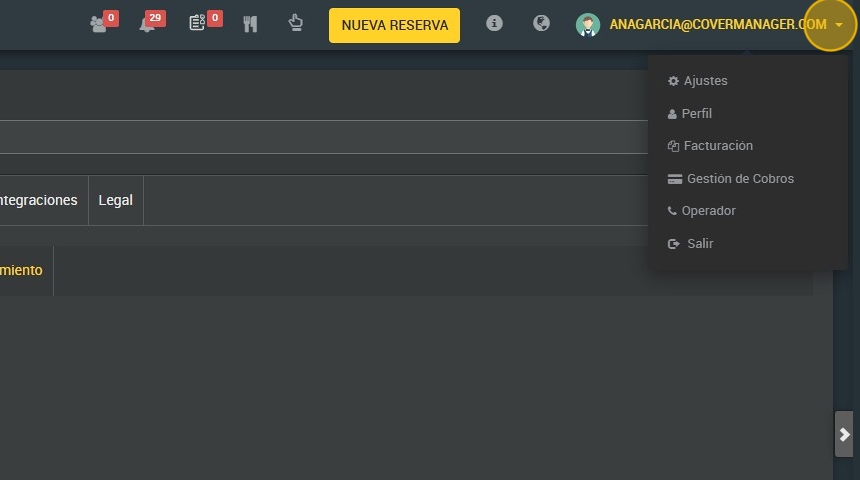
2. Click "Software".

3. Click “Performance improvements”.
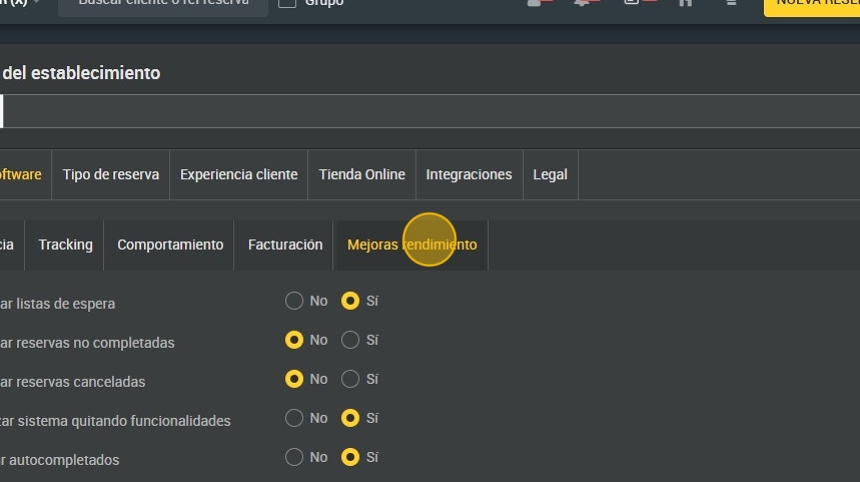
4. Click on “yes” to hide the waiting list.

5. Here you can choose whether to hide uncompleted reservations or show them.
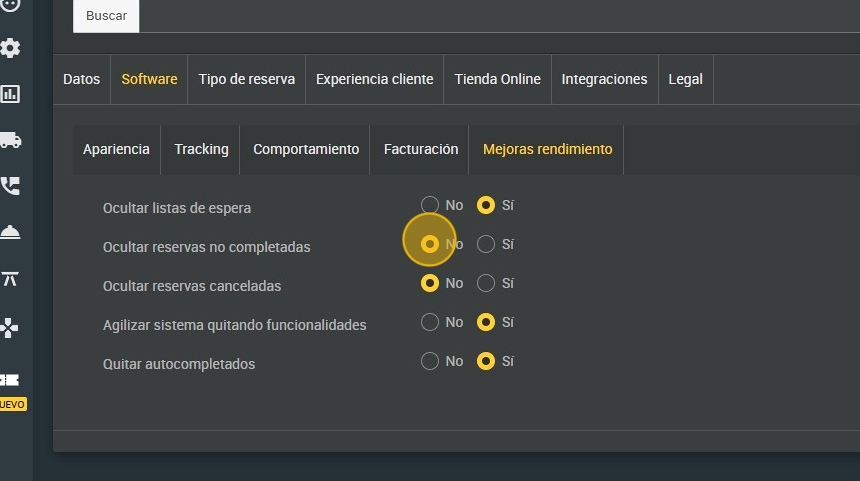
6. Here you can choose whether to hide cancelled reservations or show them.
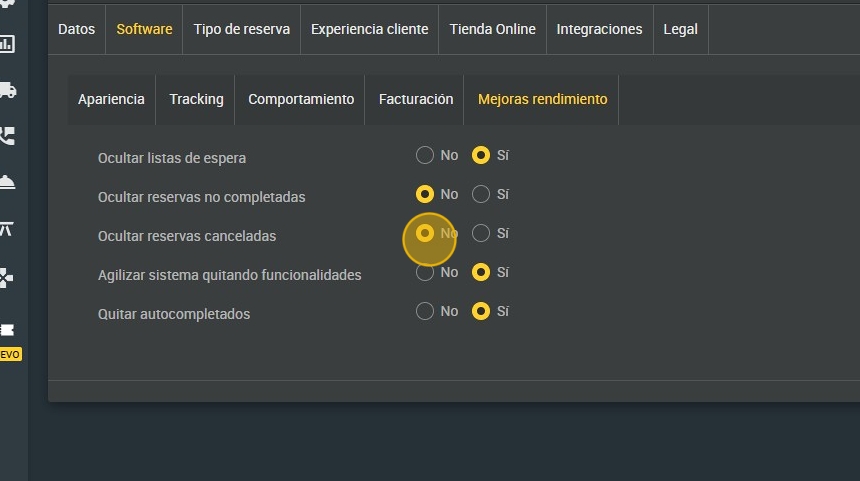
7. Click “yes” to speed up the system by removing functionalities.
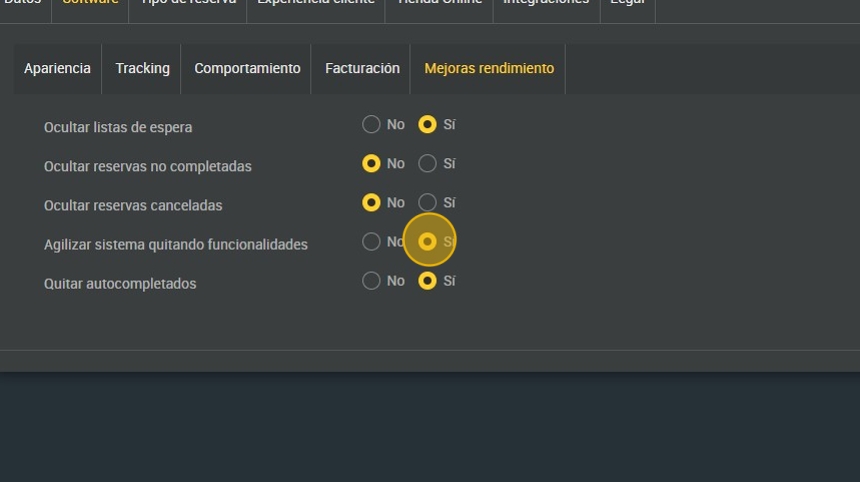
8. You can decide to disable auto-completion. This prevents auto-completion of customer data when entering your email or phone.
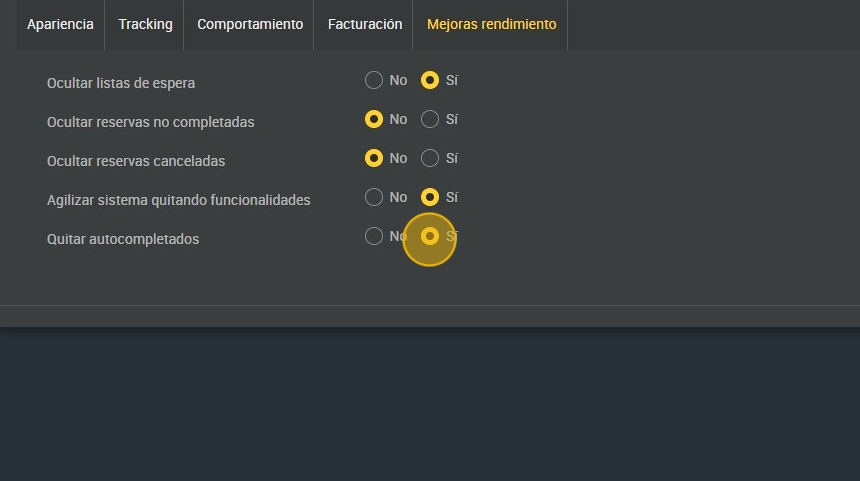
9. Click “SAVE” when finished.