
This guide is essential for anyone wishing to effectively manage prepaid products within their system. It provides step-by-step instructions on how to customize various aspects of product presentation in the reservation cart, including editing names and descriptions, adding discounts, and filtering products based on specific rules.
Tip: Internal way of managing prepaid products:
1. Click on the “user” icon in the top right corner and click on “Settings”.

2. Click "Software".
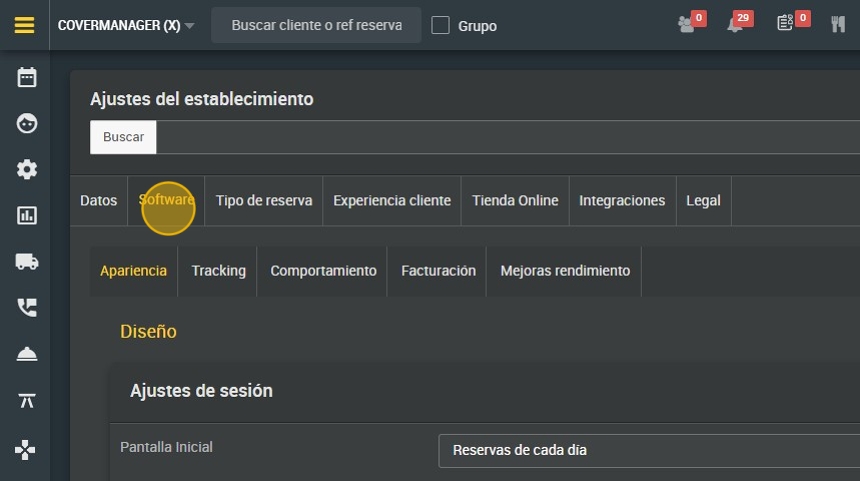
3. Click " Behavior".

4. Click “yes” to edit the name in the reservation cart.

5. Click “yes” to edit the description in the booking cart.
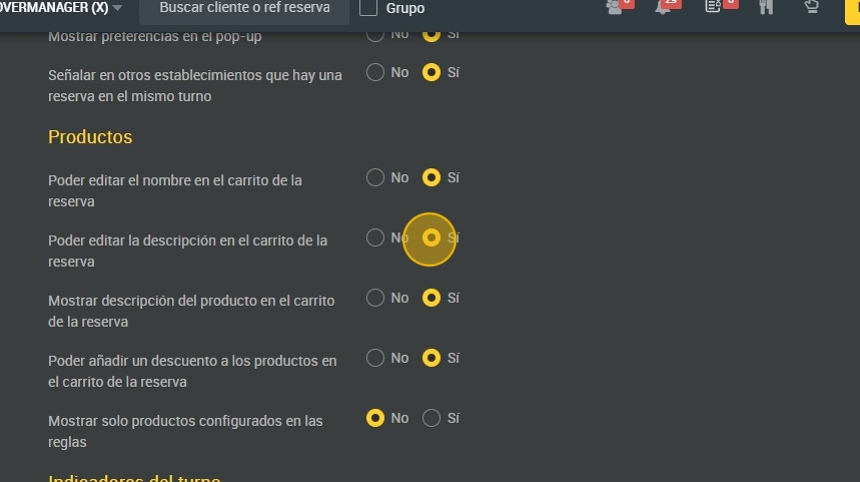
6. Click “yes” to show the product description in the reservation cart.

7. Click “yes” to add a discount to the products in the reservation cart.
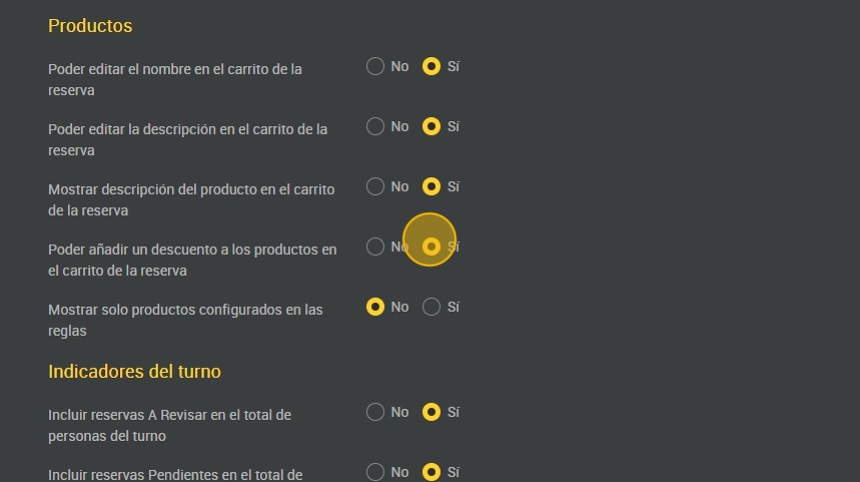
8. Here you can choose whether to show only products configured in the rules or not. For example, for Valentine's Day dinners or New Year's Eve dinners.

9. Click “SAVE”.
