
This guide provides clear and detailed instructions on how to add specific messages to reservations in a system, allowing for a personalized user experience. By following these steps, managers can ensure that their customers receive relevant and timely information, thus improving communication and management. It is especially useful for optimizing space utilization in different conditions, such as moving reservations from the terrace to the lounge on rainy days.
1. Click on “settings”.

2. Click “Reservations”.

3. Click on the day of the month you want.
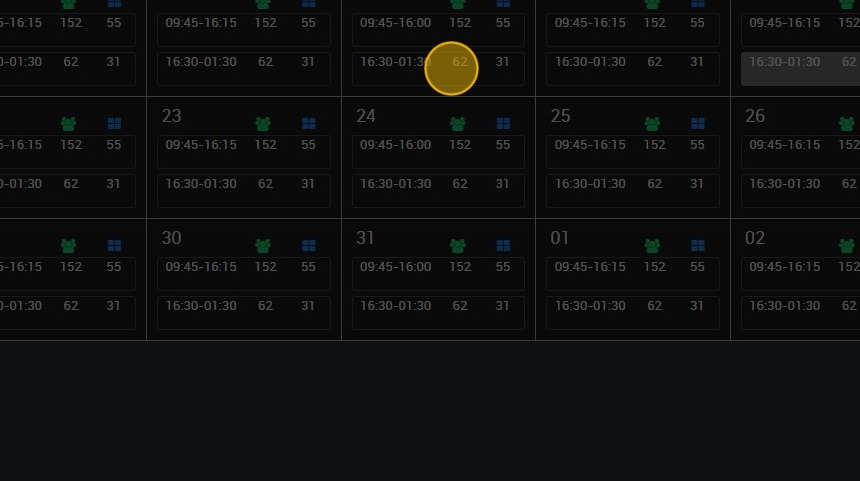
4. Click “5. Booking conditions”.

5. Click on the area where you want to apply it: “Terrace - Low Table”, also on the number of people from which you want the message to be displayed or the type of product.

6. Type the text you want to apply.

7. For example, for rainy days, the terrace reservation will be moved to the living room.
Click on ¨add special option¨.

8. Copy here the rule codes you have been creating.

9. Click on ¨create¨ and the new rule for that day will be applied.

10. This is how the new rule will appear, with all its conditions.

11. Click “APPLY” to save it.
