
This guide provides clear and detailed instructions for editing the status of a reservation in Cover Manager, facilitating the efficient management of customer reservations. By following these steps, users will be able to update information quickly and effectively, ensuring better organization and communication with clients. In addition, the process is designed to be intuitive, allowing users, regardless of their level of experience, to make changes without hassle.
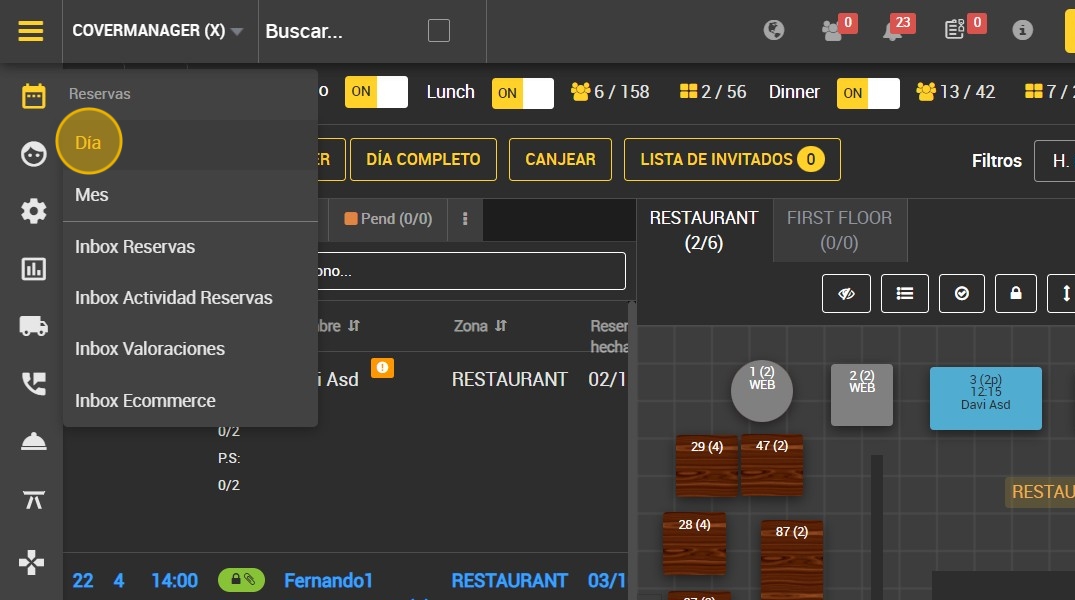
1. Click on the calendar on the left side to open reservations.

2. Click ¨Day¨.
First option
3. Click on the client you wish to change the status of.

4. Select the state in which the customer is located.

5. Fill in "noted by ”.
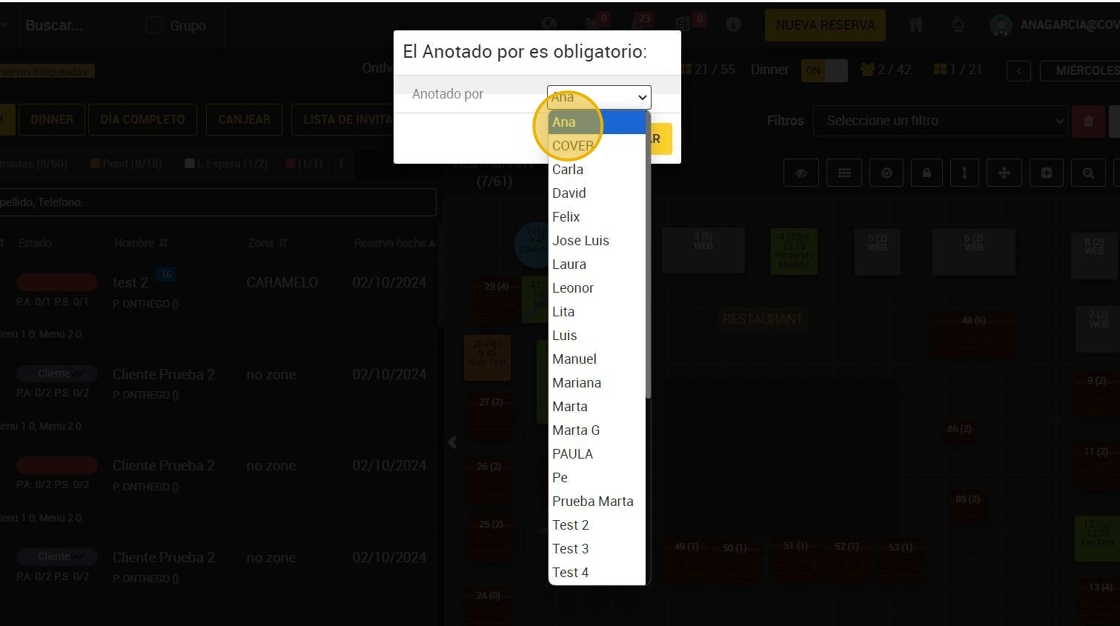
6. Click "CONFIRM ”.

Second option.
7. Click on the client you wish to change the status of.

8. Click on "EDIT BOOKING ”.

9. Click on "Status ”.

10. Here you can select the current statusl of the customer

11. Click on "VALIDATE ” when you have selected it.
