
This guide provides a straightforward method for generating group reports, allowing users to analyze reservation data for specific restaurants effectively. By following the steps outlined, users can customize reports based on group or brand, select booking sources, and specify date ranges for tailored insights. Viewing this guide will enable efficient data management and enhance decision-making for restaurant operations.
1. Click on the “reports” icon.

2. Click "Group reports".

3. You can choose to report by “group” or “brand”.

4. You can also choose between the different options for the origin of bookings.

5. Select the start date and end date to display the report.
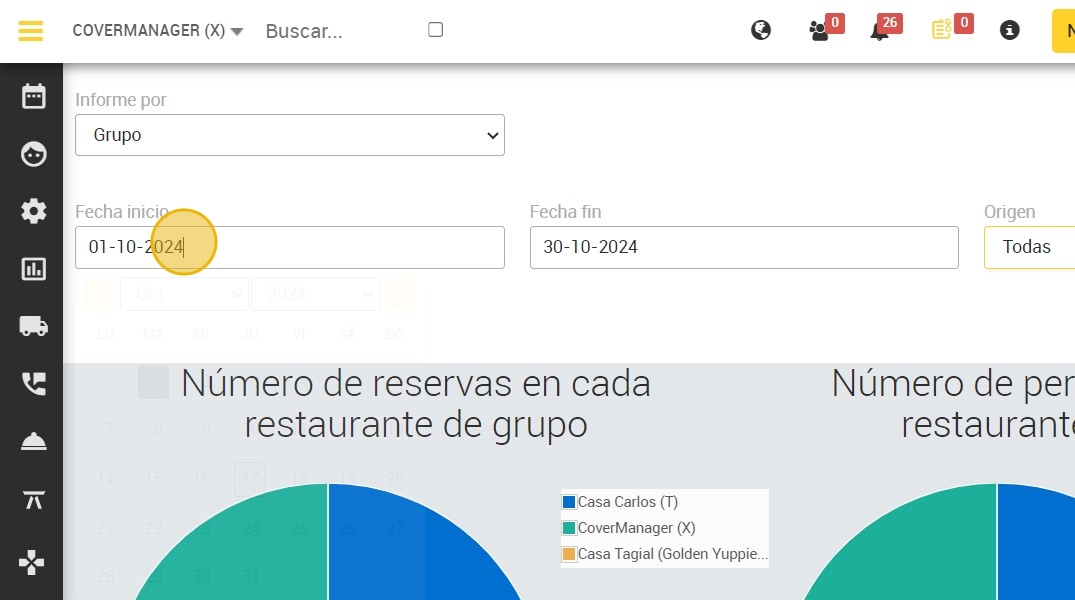
6. Below, you can see a report with the number of booking/people in each group restaurant.
