
This guide provides a simple method for generating detailed reports using Cover Manager, making it essential for users who need to analyse data efficiently. It describes how to filter by categories and dates, ensuring customised information on bookings and attendance. Users can conveniently download reports in CSV format for Excel or create customisable tables for further analysis.
1. Click on the ¨Reports¨ bar icon.

2. Click "Informes"

3. You can even filter by many categories

4. Insert the dates for which you want to obtain reports

5. Click "CALCULAR"

6. People counting and reservations about the filters applied

7. Within this applied filter, there are numerous sections.

8. There are two options:
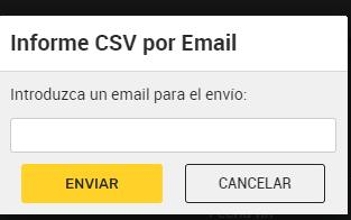
1. ¨Descargar CSV¨ and it will be sent to your email so you can view it in Excel and make counts.
9. 2. Generate a table that can also be customized according to your interests to be analyzed.
