
The Ecommerce button is designed to manage coupons, discounts and gifts in the form of restaurant vouchers. This guide provides a clear and accessible method for managing online bookings, allowing users to easily view and print items that have been redeemed and those that are still pending.
1. Click on the “Bookings” section.

2. Click "Inbox Ecommerce"

3. Click "PRINT"
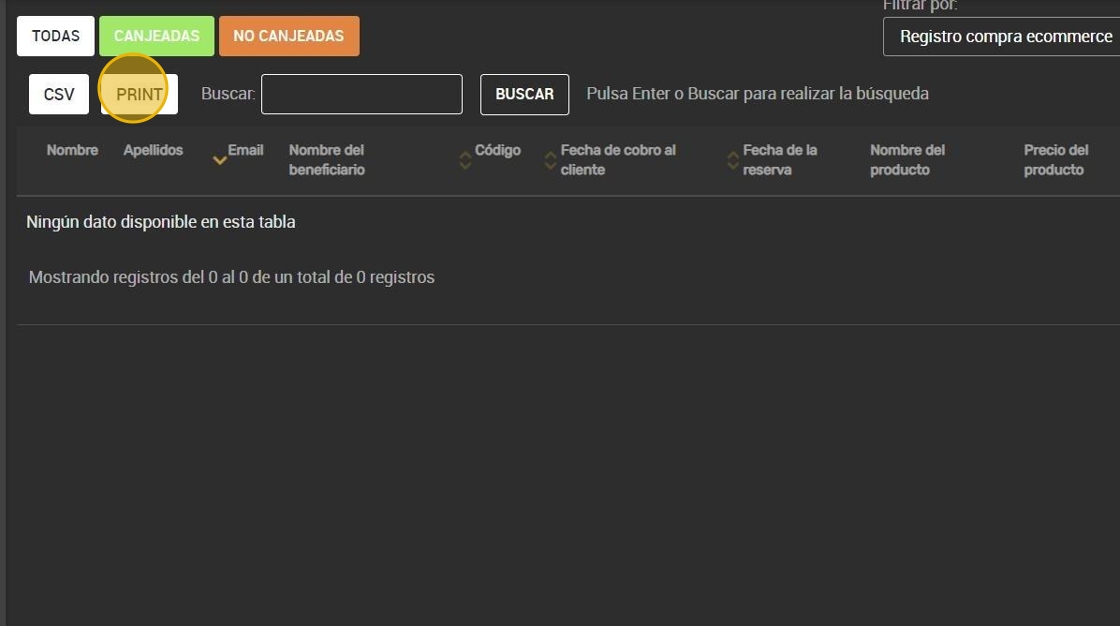
4. Option to see the "EXCHANGES".

5. Also the “NOT EXCHANGED” ones.

6. CSV report available.

7. Also available for PRINTING

8. Example
