
This guide provides a simple process for setting up an SMS campaign using Cover Manager, ensuring that users can effectively engage with their audience through targeted messages. It allows for the personalization of campaigns, while pointing out the potential additional costs associated with activation. By following this guide, users can optimize their marketing efforts and improve their communication strategies.
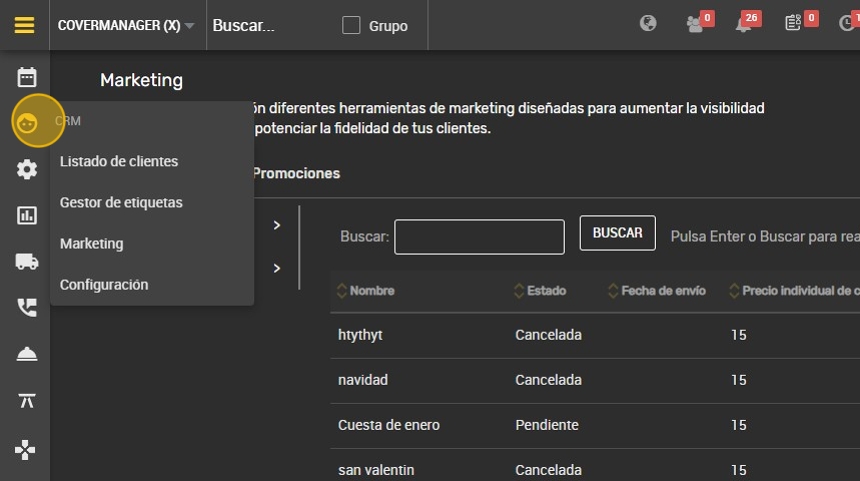
1. Click on the ¨CRM¨ icon.
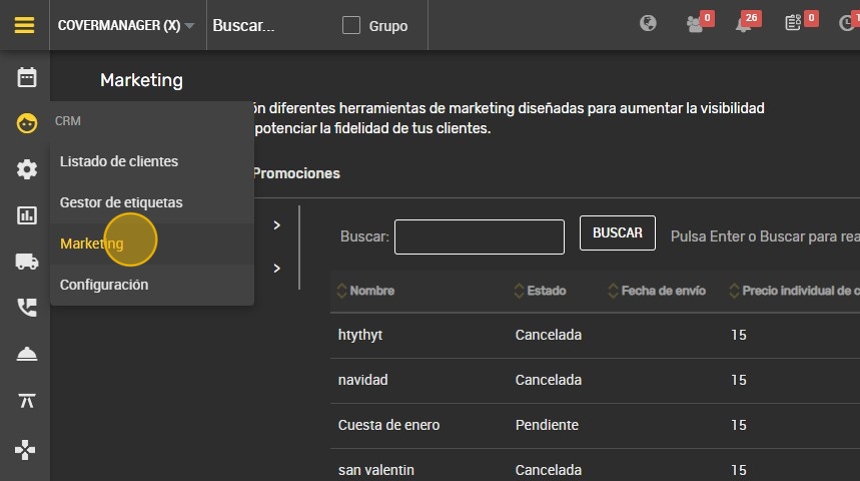
2. Click on “Marketing”.
3. To write the message and set it to your liking, click on ¨SMS¨.

4. It is important to mention that this activation may entail an additional cost for your license.

5. Enter the name of the campaign and describe it.

6. Important, maximum 160 characters.

7. Click “CREATE CAMPAIGN” and it will be saved.
