
This guide is essential to optimize the assignment of waiters to tables in a reservation system, improving efficiency in service management. It provides clear and straightforward steps that allow you to customize the assignment according to specific times, days and shifts, facilitating an organized distribution of staff. By following these instructions, managers can ensure a smooth and coordinated service, contributing to a better customer experience.
Please note that to view this section you need to have the “Waiters” module activated.
1. Click on the configuration icon .

2. Click on “Bookings”.

3. Click on the day and time you want to assign the waiters.

4. Click “11. Assign waiters to tables”.
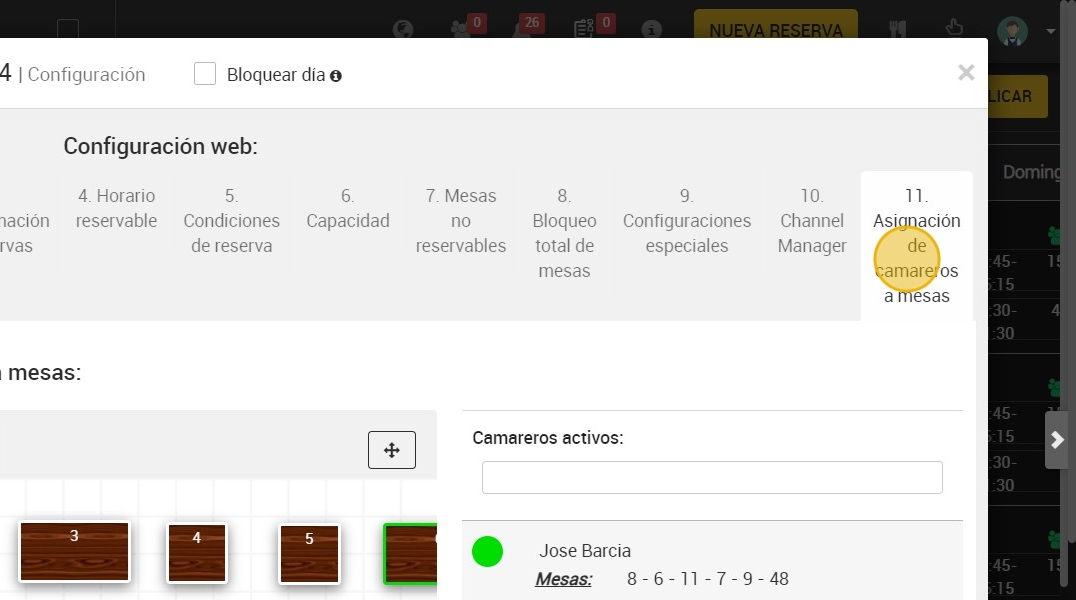
5. Click on the waiter to whom you want to assign the tables.

6. Select the tables that correspond to that waiter.

7. You can apply this configuration to “LUNCH” or “LUNCH AND DINNER”.

8. You can choose the days on which you want the assignment to apply.
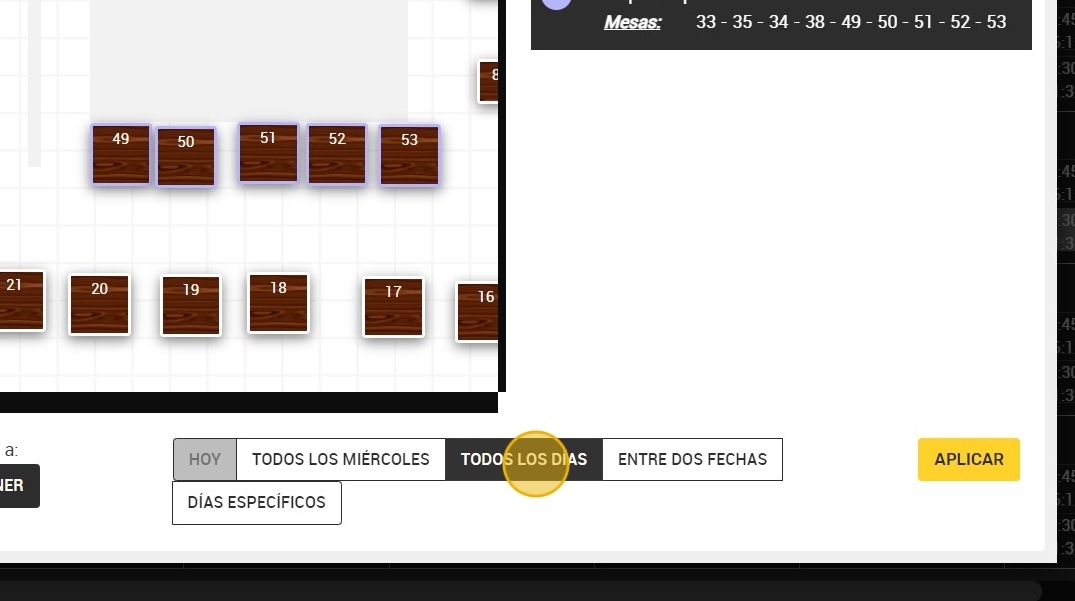
9. Finally, click on “APPLY”.
